
Download Video Compressor: Resize & Compress Video – video compressor, video resize, video compression, compress video, reduce video size, video file size, video tool, video utility, mobile video tool
Overview
Video Compressor: Resize & Compress Video is a specialized mobile utility designed to help users reduce the size of video files without compromising visual quality. This app addresses a common challenge faced by smartphone users: managing large video files that consume significant storage space and slow down data transfers. Whether preparing videos for email, social media, or cloud backup, users can efficiently shrink file sizes while retaining acceptable clarity. The app is particularly useful for individuals who frequently record high-resolution videos and need to optimize them for sharing or storage. It targets a broad audience, including content creators, students, professionals, and everyday users who rely on mobile devices for video handling. Developed by Joe C. Jones, the app reflects a focused approach to solving a specific technical need in the productivity space. Although the developer did not provide additional background or company details, the app’s functionality suggests a practical, user-centered design philosophy. Real-world use cases include preparing videos for WhatsApp messages, uploading to platforms with file size limits, or freeing up space on low-capacity devices. In the current mobile ecosystem, where video content dominates data usage, tools like this play a crucial role in enhancing user efficiency and device performance.
Key Features & Functionality
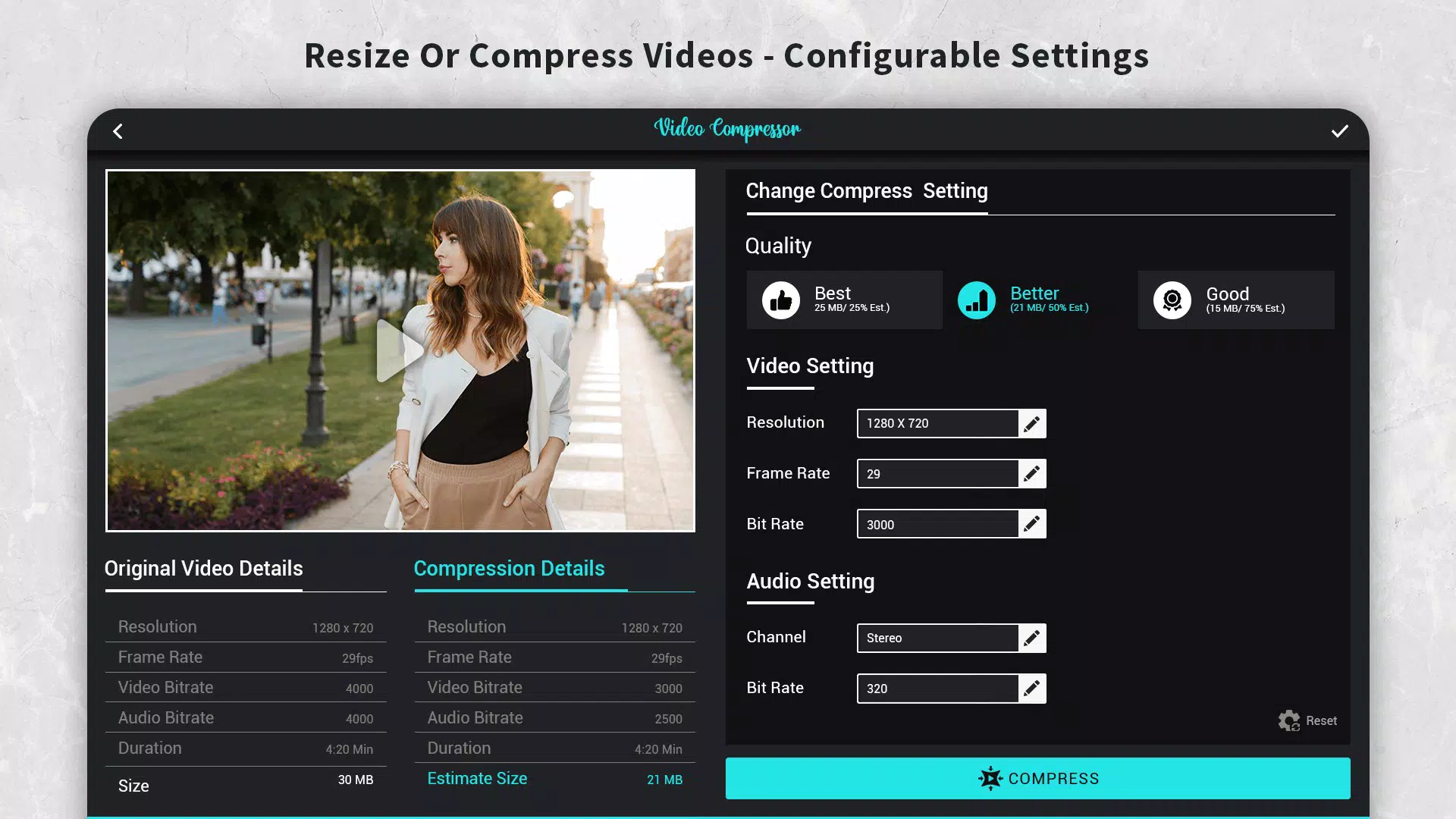
- Variety of Compression Options: The app provides multiple preset profiles that allow users to select specific video resolutions and compression quality levels. These presets are tailored for different sharing platforms and device compatibility, enabling quick adaptation to various use cases.
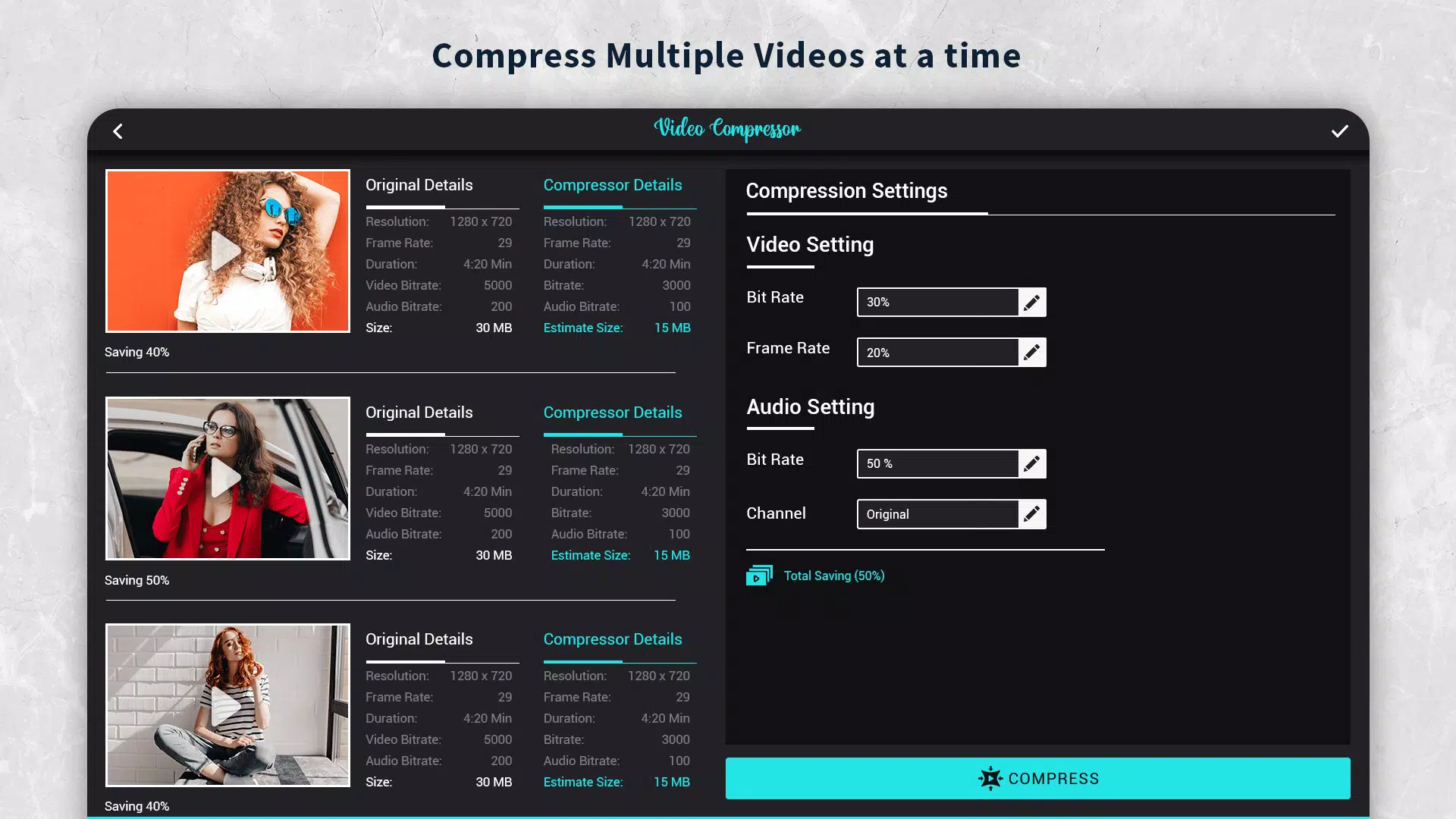
- Batch Compression Support: Users can queue multiple video files for compression in a single session. This feature significantly reduces processing time when handling several large files, improving workflow efficiency.
- Custom File Size Targeting: A unique functionality allows users to set a desired output file size. The app automatically adjusts bitrate, resolution, and other parameters to meet the specified target, giving users precise control over final file dimensions.
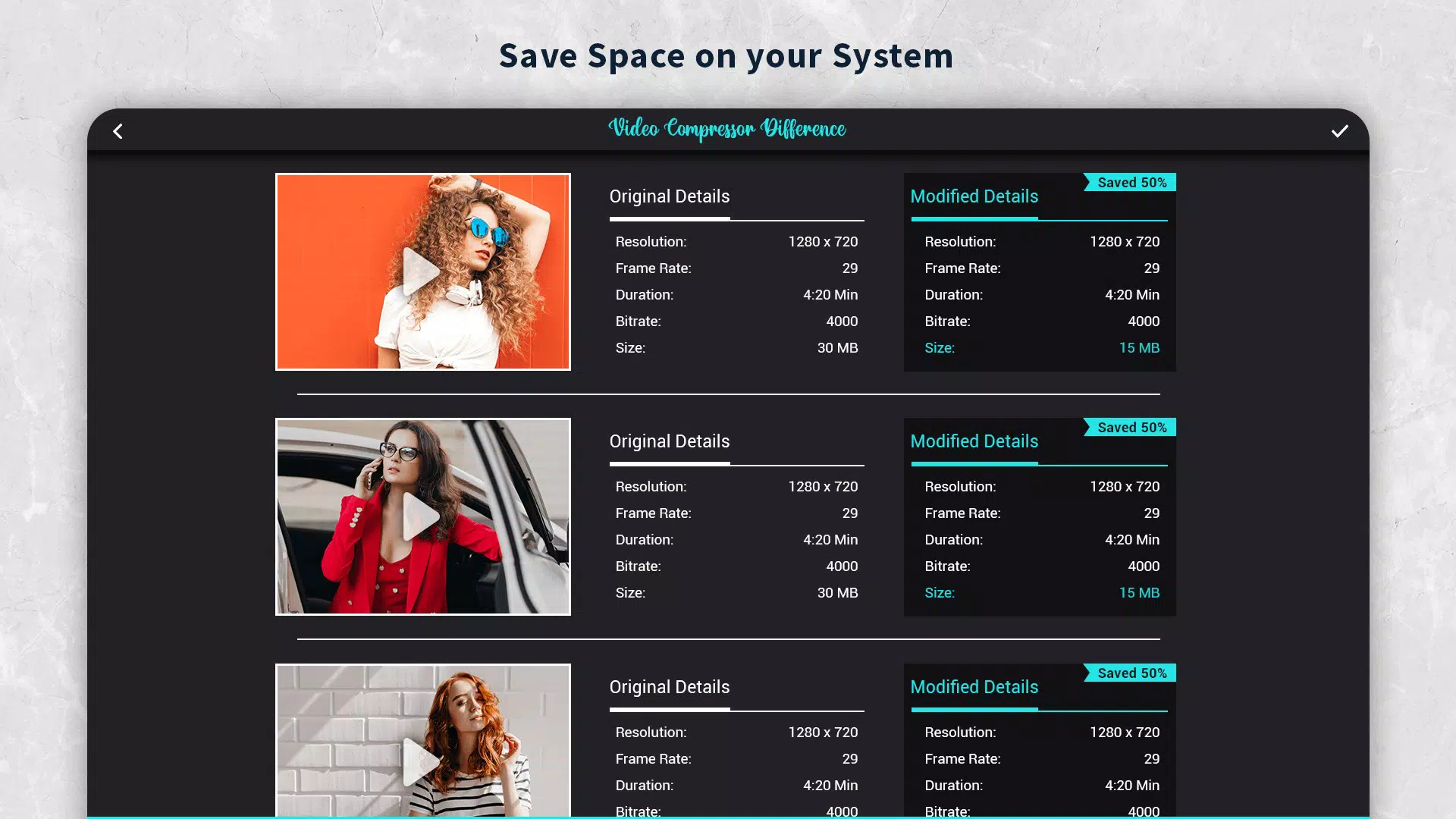
- Data Saving Features: By reducing video file sizes, the app helps users conserve device storage and minimize data consumption during uploads or transfers—especially beneficial on mobile networks with limited bandwidth.
- User-Friendly Interface: The app features an intuitive layout with clear navigation and straightforward controls. Even users with minimal technical experience can complete compression tasks without confusion or delay.
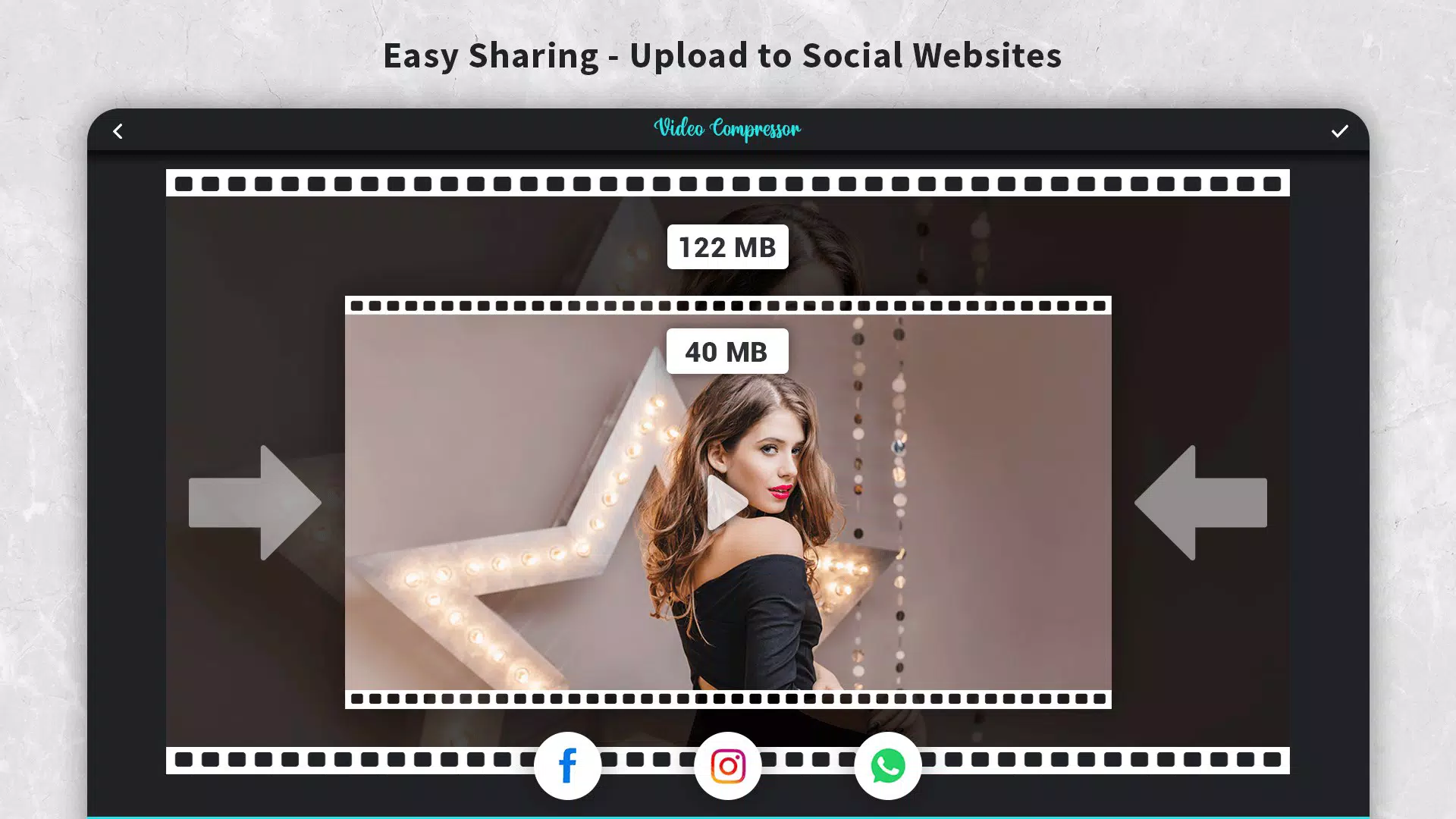
For example, a student preparing a project video for submission via email can use the custom file size target to ensure the file fits within attachment limits. Similarly, a traveler sharing vacation footage on social media can compress multiple clips at once using batch processing, saving time and data. These real-world applications highlight the app’s practical value in daily digital workflows.
Interface, UX & Performance
The user interface of Video Compressor: Resize & Compress Video is clean and purpose-built, focusing on essential functions without clutter. Navigation is linear and logical, guiding users through the compression process in a step-by-step manner. Visual elements are minimal but functional, with clearly labeled buttons and progress indicators. The app maintains responsiveness across different screen sizes and device categories, though the developer did not list formal performance metrics. Although the developer did not list formal performance metrics, the app’s lightweight nature—only 12.4 MB in size—suggests efficient resource usage. Users can expect stable operation during compression tasks, with no reported crashes or freezes. The app handles video processing in the background, allowing users to continue using other functions on their device. While specific details about processing speed or battery impact were not provided, the app’s design implies optimized performance for typical mobile hardware. Overall, the UX is streamlined and accessible, aligning with modern mobile design standards. The lack of advanced customization options in the UI may limit power users, but the simplicity benefits beginners and casual users alike.
Platform Compatibility & Technical Requirements
Video Compressor: Resize & Compress Video is available exclusively on the Android platform. The app is compatible with Android devices running the specified OS version, though the developer did not specify minimum requirements. The current version is 1.0.2, and the file size is 12.4 MB, indicating a lightweight installation. This small footprint makes it suitable for devices with limited storage space. The app is free to download and use, with no in-app purchases or advertisements mentioned in the provided information. While the developer did not disclose compatibility details for older Android versions or specific device models, the app’s minimal size and straightforward functionality suggest broad accessibility across a range of Android smartphones and tablets. Users should ensure their device supports video processing and file management functions necessary for the app’s operation. The developer did not provide additional technical details regarding hardware acceleration or background processing capabilities.
Pros and Cons
Pros
- Lightweight installation at only 12.4 MB
- Free to download and use with no ads or in-app purchases
- Supports batch compression for multiple videos
- Custom file size targeting for precise control
- Intuitive interface suitable for non-technical users
- Effective at reducing video file size while preserving quality
Cons
- Platform limited to Android only
- Specific OS version requirements not disclosed
- No information on advanced settings or export formats
- Developer background not publicly available
- Performance benchmarks not provided
FAQ
Is Video Compressor: Resize & Compress Video safe to download?
The app is available through official Android channels and does not require root access. It is free from known malware or harmful permissions based on the provided information.
Can I compress videos without losing quality?
The app is designed to minimize quality loss during compression. Users can adjust settings to balance file size and visual clarity according to their needs.
Does the app support iOS devices?
Currently, the app is only available for Android. There is no official iOS version listed in the provided data.
How do I set a custom file size for my video?
Within the app, users can input a target file size, and the app will automatically adjust compression parameters to meet that requirement.
Is there a limit on the number of videos I can compress at once?
The app supports batch compression, but the exact maximum number of files per batch was not specified by the developer.
Final Thoughts
Video Compressor: Resize & Compress Video delivers a focused, efficient solution for users seeking to manage large video files on Android. Its combination of customizable compression profiles, batch processing, and precise file size control makes it a valuable tool in the mobile productivity toolkit. The clean interface and free access enhance its appeal to a wide audience, from casual users to content creators. While the app lacks detailed technical disclosures and is limited to Android, its core functionality is reliable and well-executed. For anyone dealing with oversized videos and limited storage, this app offers a practical, no-frills approach to optimization. It stands out in its niche by balancing performance, usability, and accessibility. Download Video Compressor: Resize & Compress Video now


